Switch dashboard
USB · BETAConnect your phone to your computer
- Connect Arkenstone with a USB cable and unlock its screen.
- Press the button below and choose Arkenstone in the browser dialog.
Check your phone screen
Unlock your phone. If “Allow USB debugging?” appears, tap Allow.
The connection cannot finish until you approve this request.
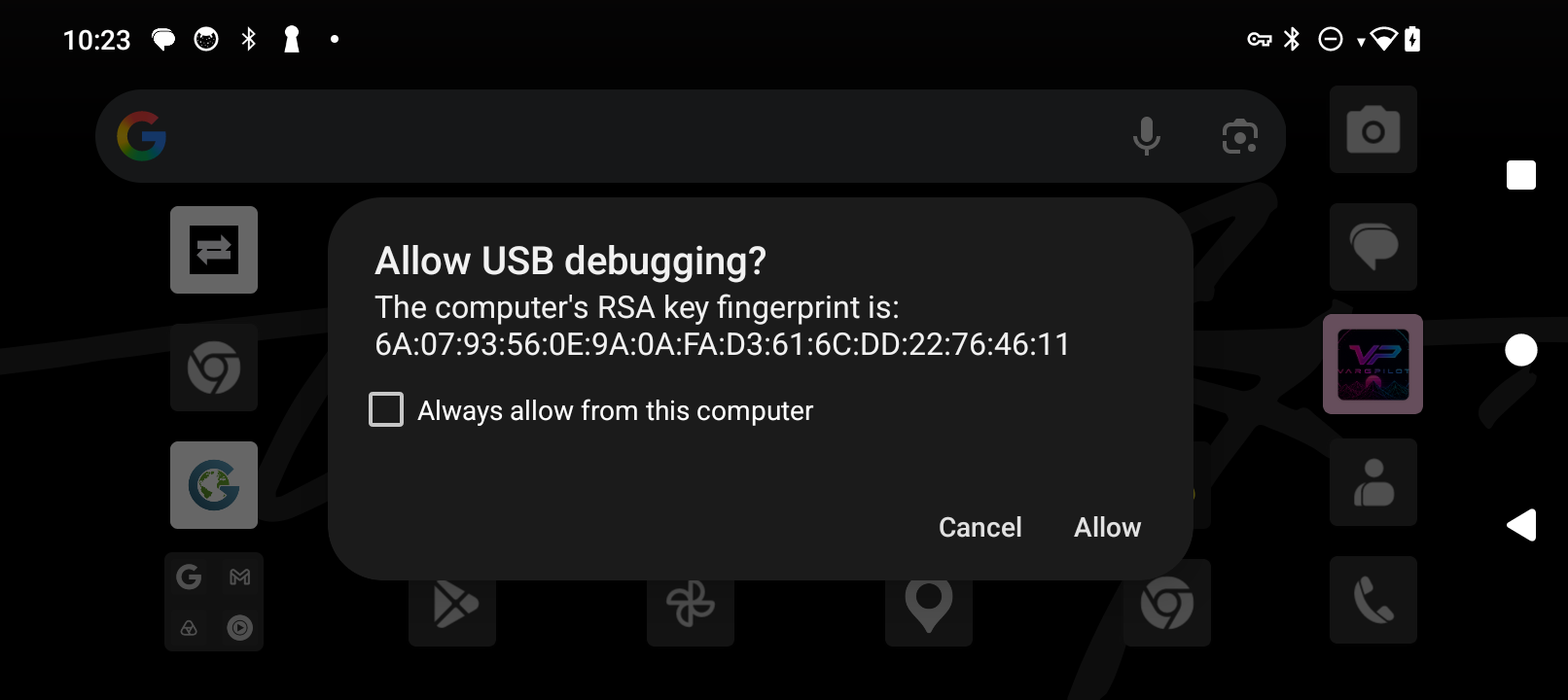 Enlarge screenshot ↗
Phone missing from the list?
Check that the USB cable supports data transfer, unlock the screen and enable USB debugging. If another computer app is using the phone, close it and try again.
Switch between apps already installed on your phone via USB.
Installed via USB …About USB and phone access
The USB session and ADB key stay in your browser. This site does not ask for your Pilot login details.